
Paint by numbers on iPad · for Apple Pencil
Paint it. Don’t tap it.
Calmvas is an iPad app that turns your own photo into a paint-by-numbers template, which you then paint by hand with real brush strokes, using Apple Pencil or your finger.
Most paint-by-numbers apps fill a region when you tap it. Here you paint it yourself, stroke by stroke, until the number disappears.
- Your own photos
- Pencil pressure and tilt
- No subscription
- No ads
Try it here
Pick a color, then paint its region
All done. Now picture your own photo here.
Why a brush
Most paint-by-numbers apps are tapping games.
Tap a region, it fills with flat color, the next number lights up. That is quick, and every result looks the same. Calmvas gives you a brush instead.
Tap to fill
- One tap fills a whole region
- Flat color, no trace of your hand
- Over in seconds
Paint with a brush
- You follow the edge, the paint builds up
- Pressure and tilt shape every stroke
- A region is done when it is covered, not when it is touched
Your photo
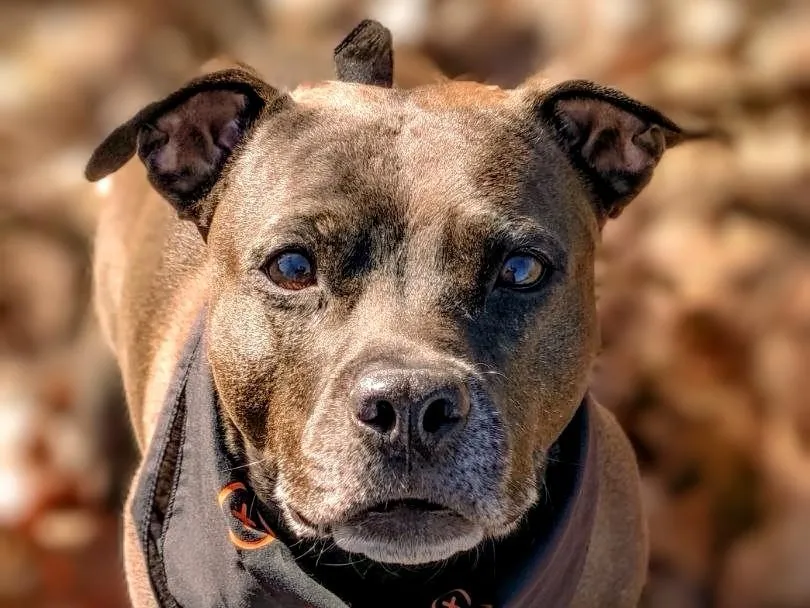
From your camera roll to your own template.
Your dog, your grandparents, last summer at the lake. The template is made on your iPad. Your photo is not uploaded anywhere.
- Pick a photoA portrait, a pet, a landscape or a drawing.
- Choose format and cropOriginal, 1:1, 3:4, 4:3, 9:16 or 16:9.
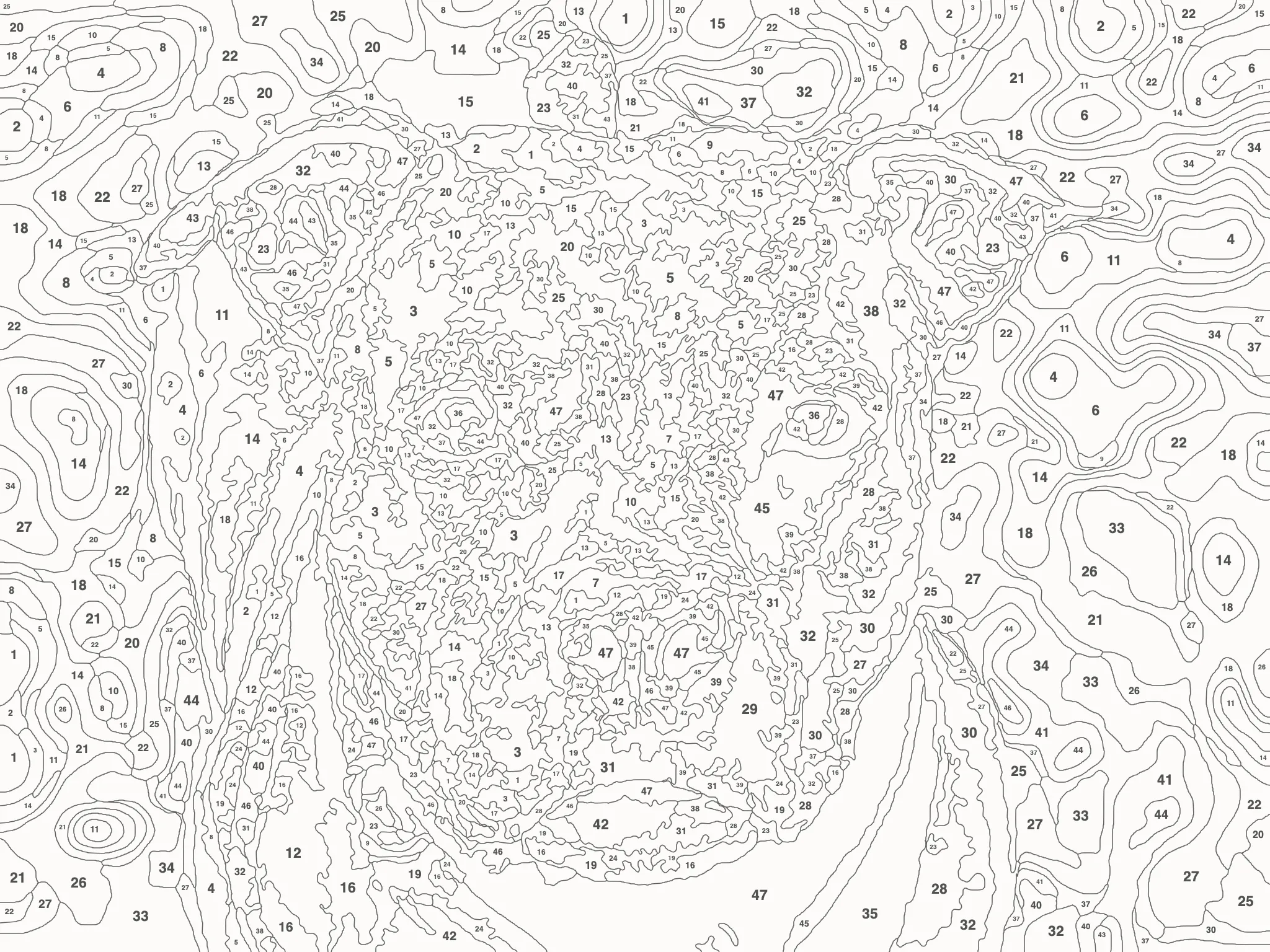
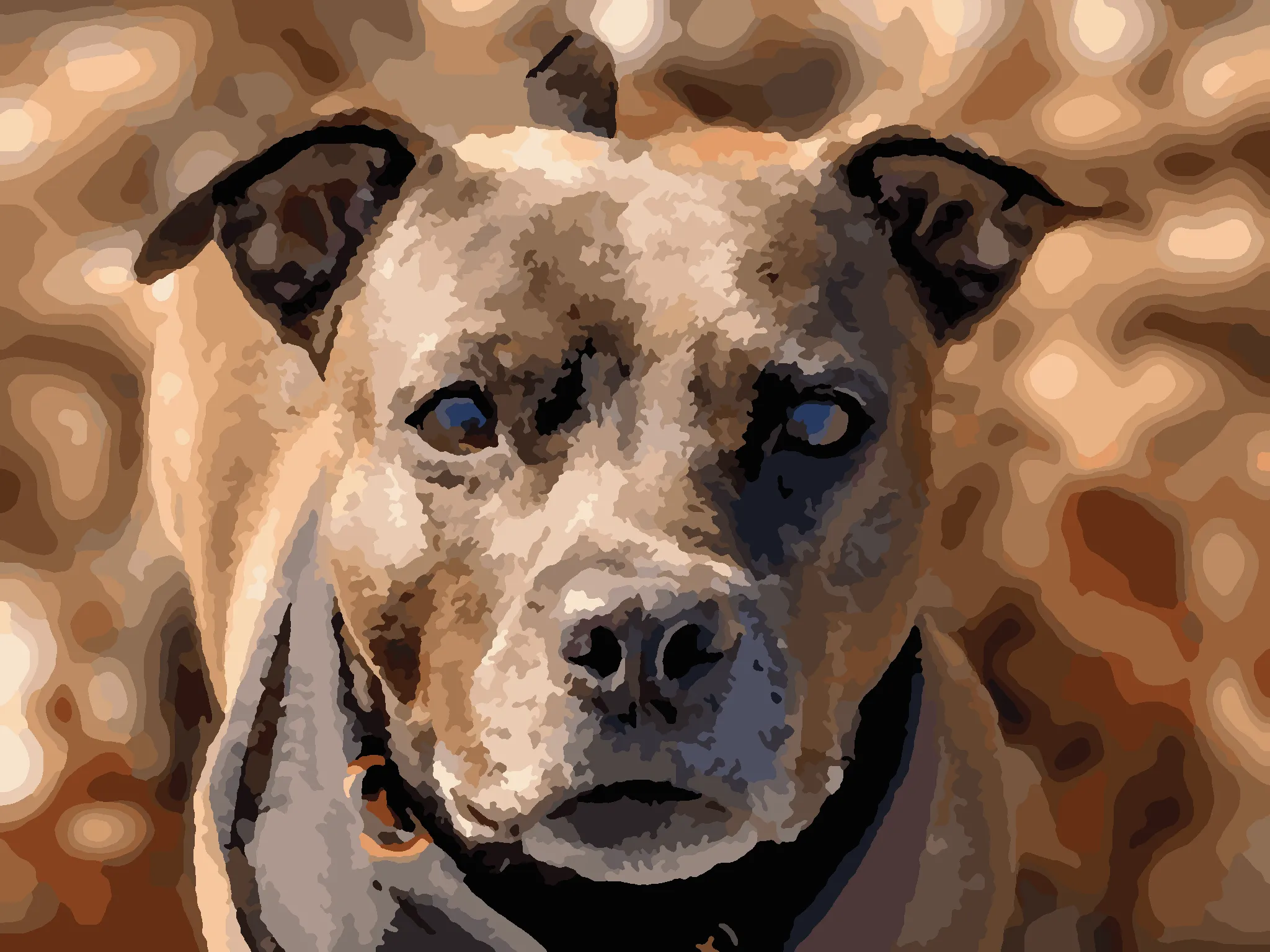
- Set style, colors and detailPhoto or Comic style, 8 to 48 colors, four detail levels from Coarse to Very fine. Faces and the subject get finer regions on their own, and you can mark more by hand.
- See it before you startThe template in its colors next to your photo, and the painting time: from quick painting fun to a big painting project.
In the app
A quiet place to paint.
-
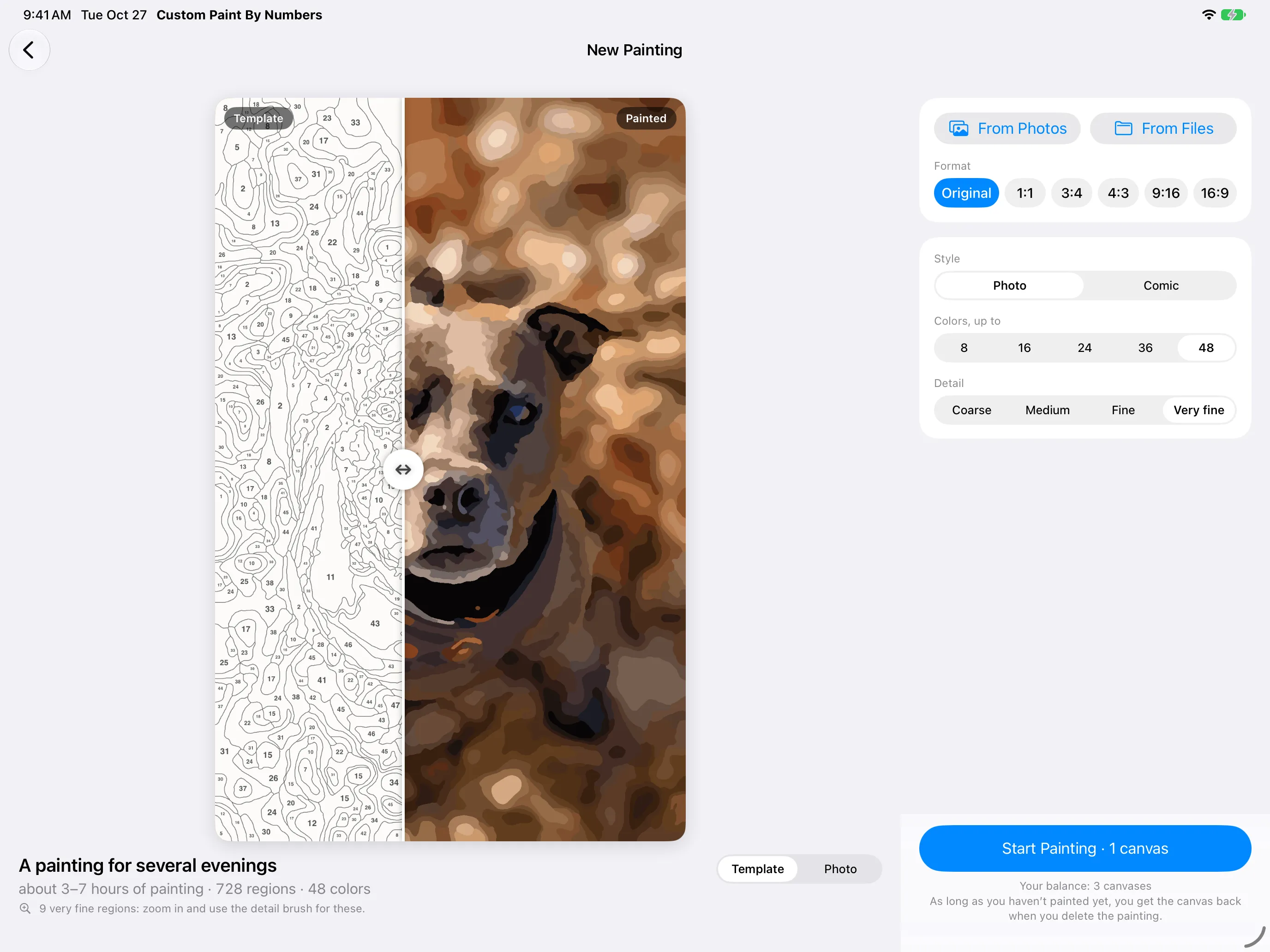
Making a template: photo and template next to each other
-
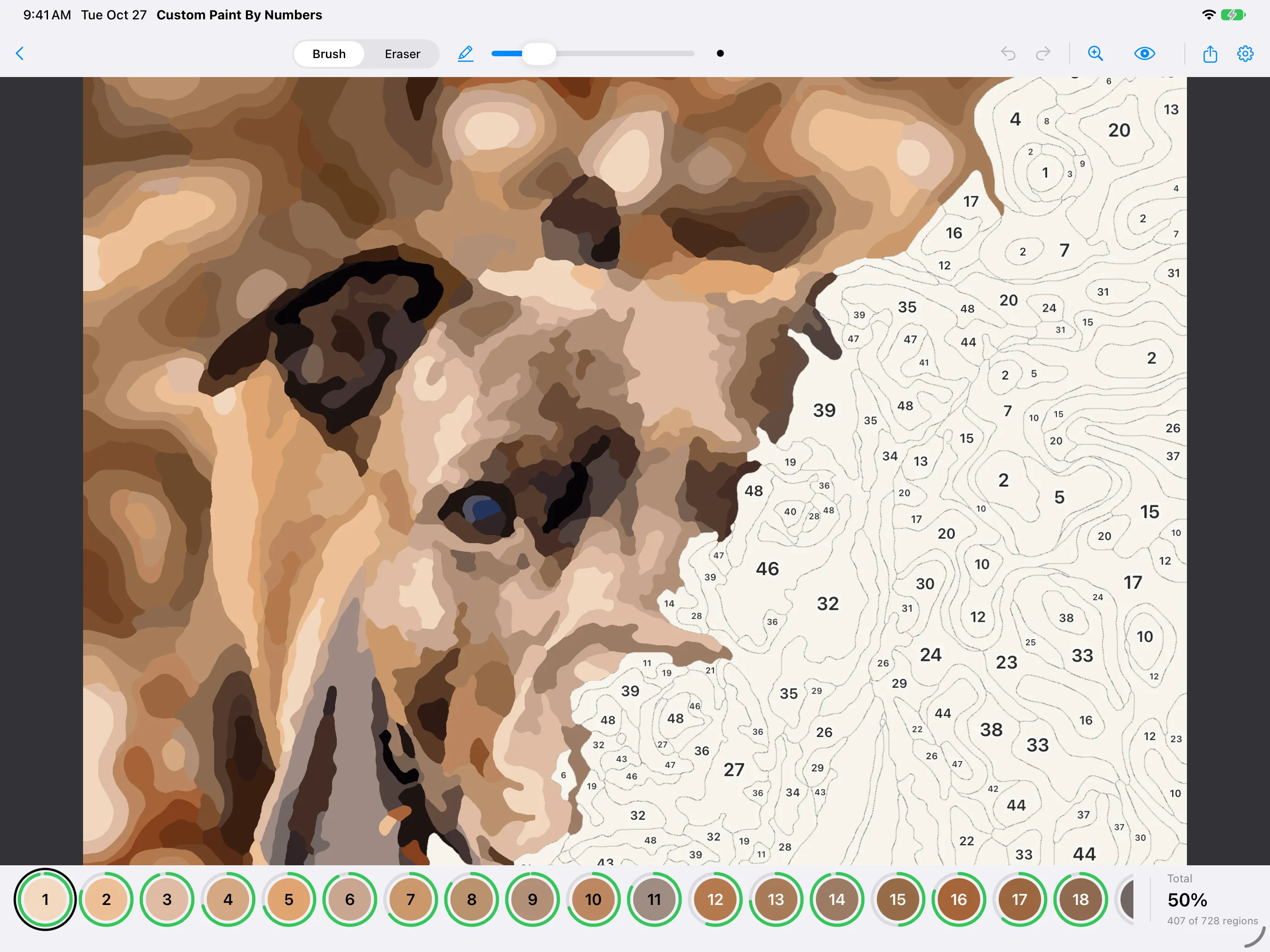
Painting with the palette, zoomed in close
-
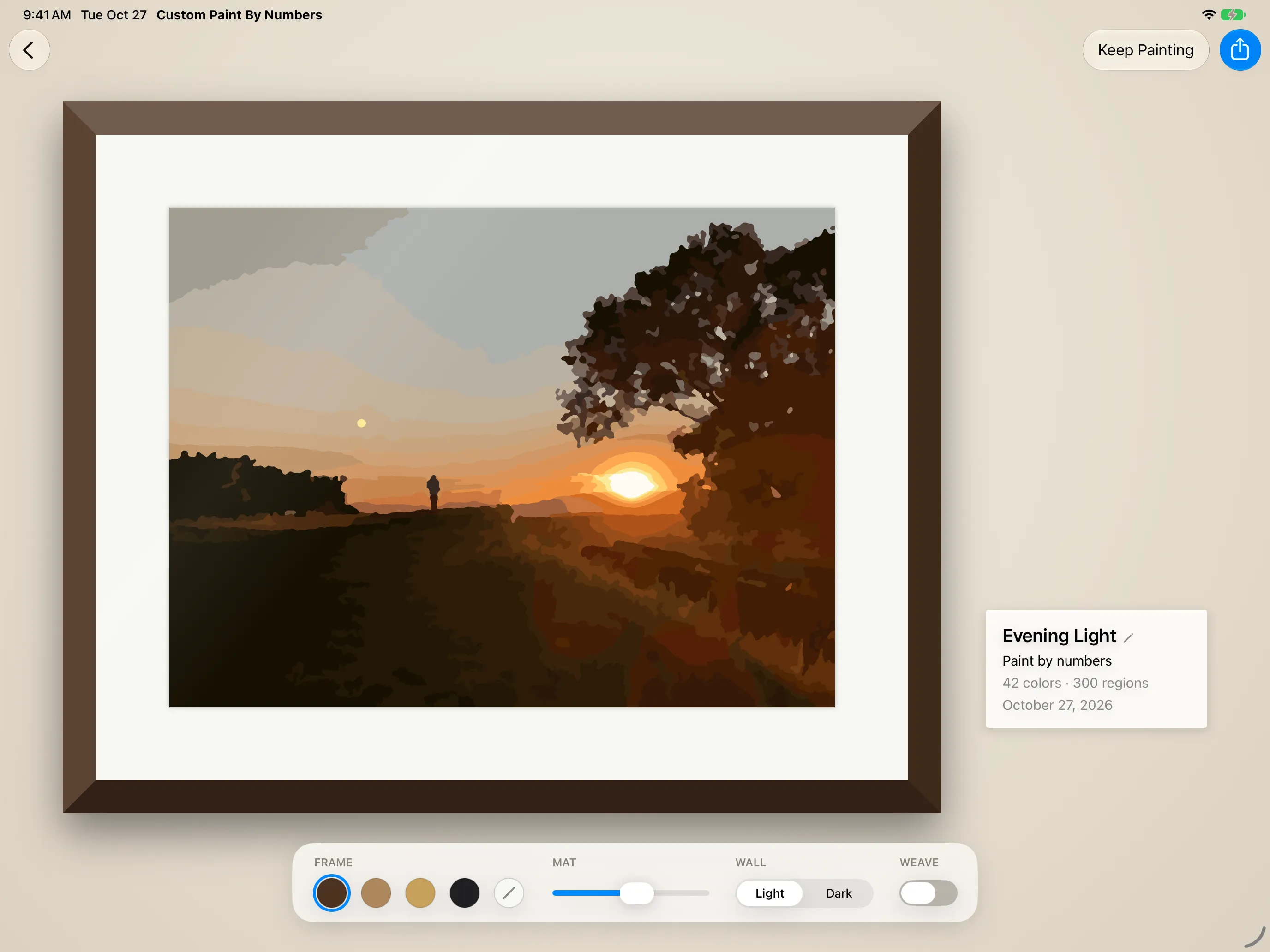
Done: your painting framed on the wall, with a title of your own
-
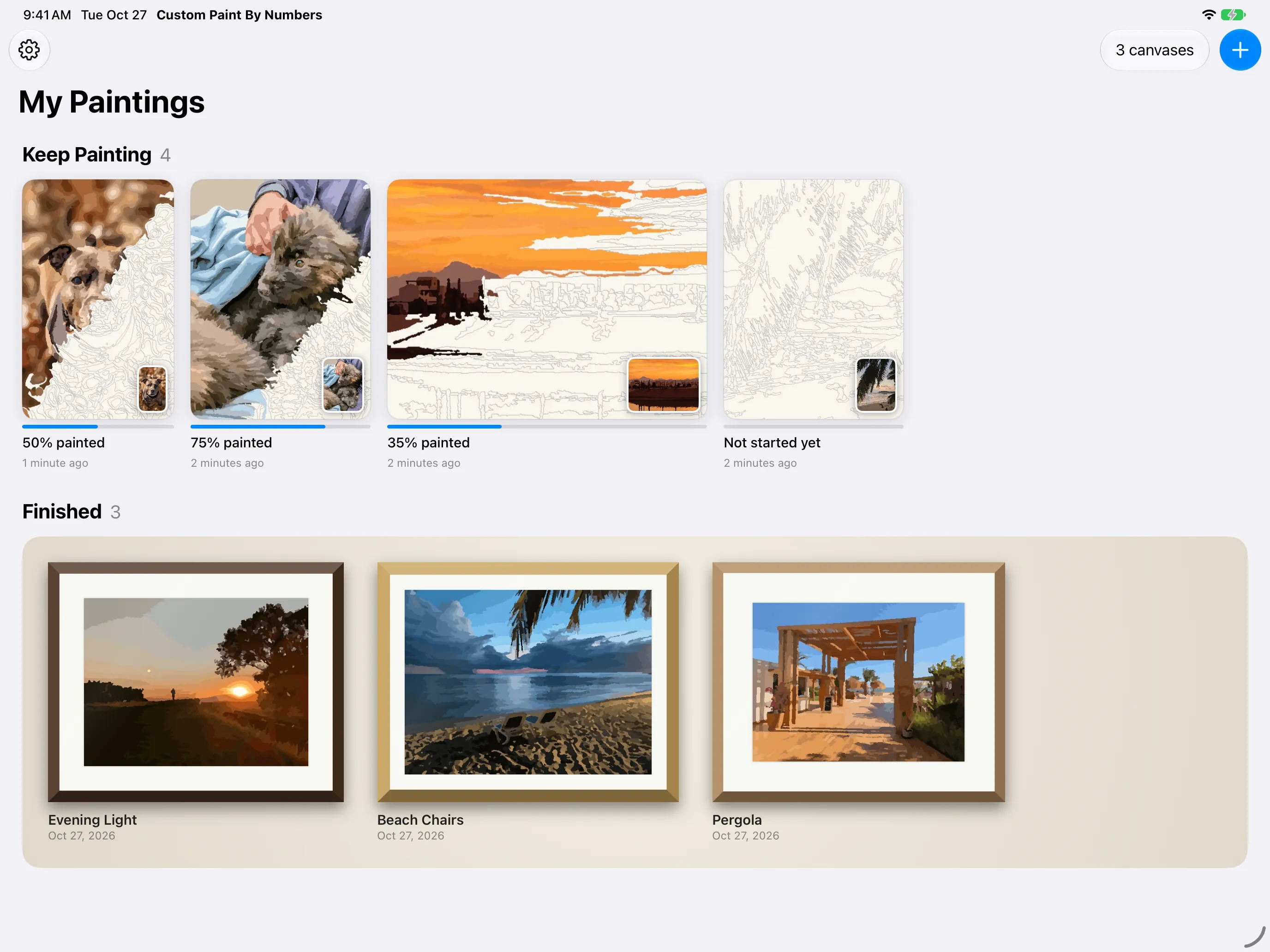
Your gallery, with finished paintings framed like a small exhibition
Brushes
Three brushes, each with its own size.
Marker
Even width and full color, even with a light hand.
Detail brush
From hair-thin to full width, depending on how hard you press.
Acrylic brush
Bristle marks that follow your stroke, on a canvas weave.
- Apple PencilPressure and tilt
- EraserDouble tap or squeeze
- Surface4096 px on the long side
- Undo30 to 40 steps
- NavigationZoom, move and rotate
- No Pencil?Your finger paints too
Painter types
As relaxed or as precise as you like.
Pick a painter type when you start. Each setting can be changed on its own later.
The color stays inside the lines by itself. A region is done quickly.Done at 85 % · stay in region
You paint freely, even over the edges. Done regions stay protected.Done at 90 % · protect done regions
You paint freely and neatly right up to the edge. Nothing is done for you.Done at 95 %
Pricing
Every feature is free. Each new painting uses a canvas.
Delete a painting before you have painted on it, and you get its canvas back.
To start
2 canvasesIncluded for free. Every brush and every setting is unlocked.
Canvas packs
5 or 15More canvases when you want them. They do not expire.
Unlimited painting
OnceAs many paintings as you like, paid once. No subscription.
After your first purchase, your paintings and everything on them are backed up to your private iCloud. Your balance carries over to a new iPad.
Questions
Good to know
Do I need an Apple Pencil?
No. You can paint with your finger and move the painting with two fingers. With Apple Pencil, pressure and tilt shape each stroke, and a double tap or squeeze switches to the eraser.
Does it work on iPhone or Android?
No. Calmvas is made for iPad and needs iPadOS 17 or later.
Is my photo uploaded?
No. The template is made on your iPad, and the app does not keep your photo. Backups of your paintings go only to your own private iCloud.
Is this a printed paint-by-numbers kit?
No. Calmvas is an app: you paint on your iPad and can save the finished painting to Photos or share it. If you want a printed canvas with paint pots, you are looking for a kit shop.
How long does a painting take?
That depends on the number of colors and the detail level. Before you start, the app shows the painting time, from quick painting fun to a big painting project.
Which photos work best?
Photos with a clear subject and good light. Faces and the subject get more colors and finer regions on their own. For a drawing or cartoon, the Comic style keeps bold outlines.
Is there a subscription?
No. You buy canvas packs or unlimited painting once. There are no ads.
Download
Pick a photo. Pick up a brush.
For iPad, with two canvases to start.
Download on theApp Store